# Block Explorer and API Keys
### Block Explorers
{% tabs %}
{% tab title="Cronos Mainnet" %}
* **Cronos Explorer:**
{% endtab %}
{% tab title="Testnet" %}
* **Cronos Testnet Explorer:**
{% endtab %}
{% endtabs %}
Cronos Explorer is the reference transaction and block explorer on Cronos `https://explorer.cronos.org`
### Creating Account and Getting API Key **Cronos Explorer**
The Cronos Explorer Developer APIs are designed to provide accessible and consistent Cronos data to the Cronos community.
As a means to provide equitable access to blockchain data, we've developed the Cronos Developer APIs to empower developers with direct access to Cronos's blockchain data and services via `GET/POST` requests.
### 1. Register an Account
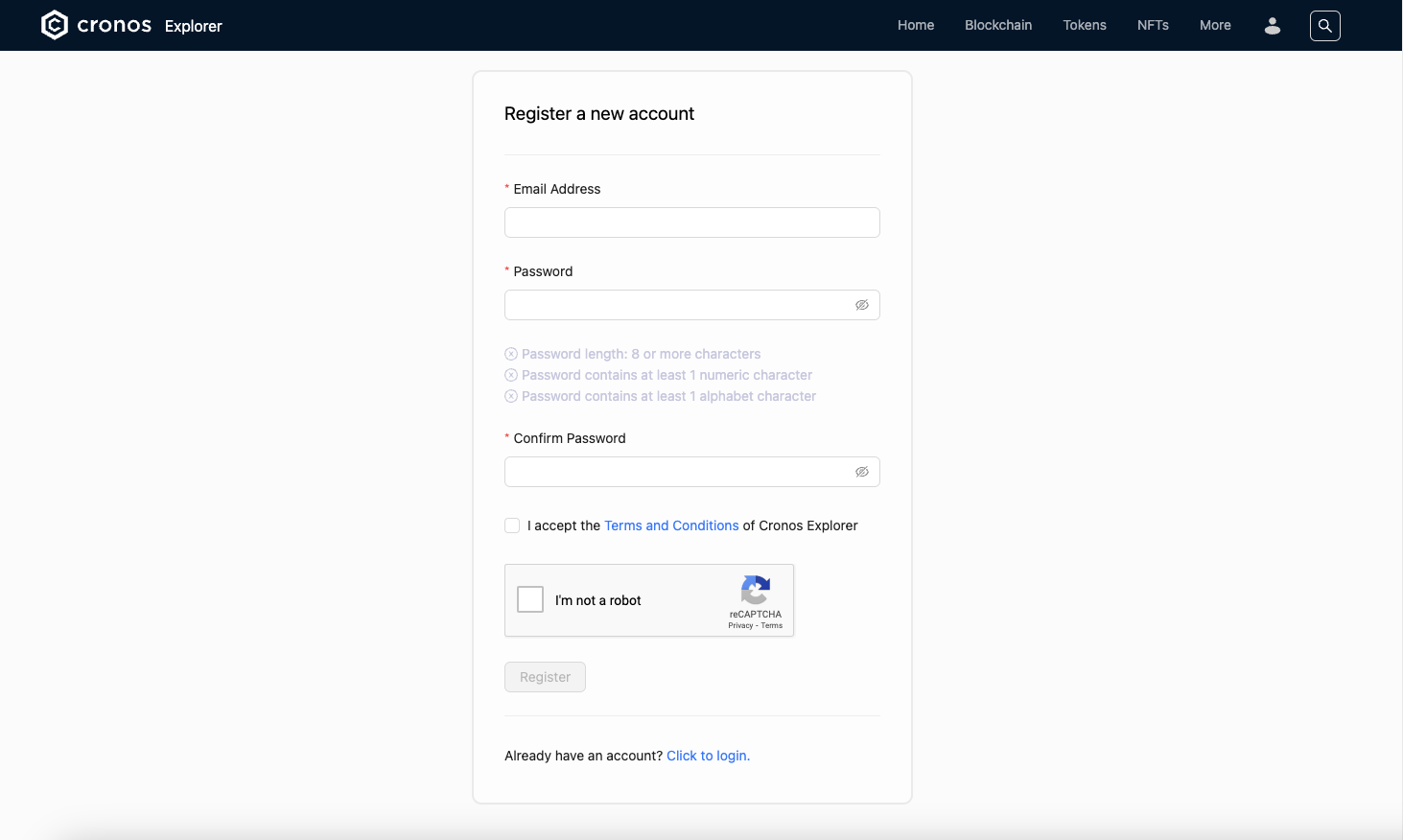
Head over to the [**Account Registration**](https://explorer.cronos.org/register) page and provide email and password for your account.
### 2. Verify Your Email
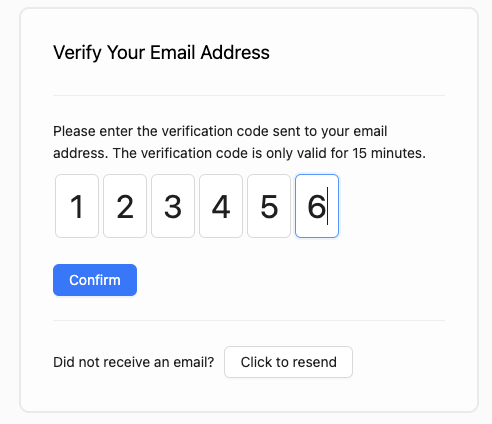
A verification code will be sent to your email address to verify your sign up request. Fill in on the verification page for completing your registration
### 3. Exploring Your Account
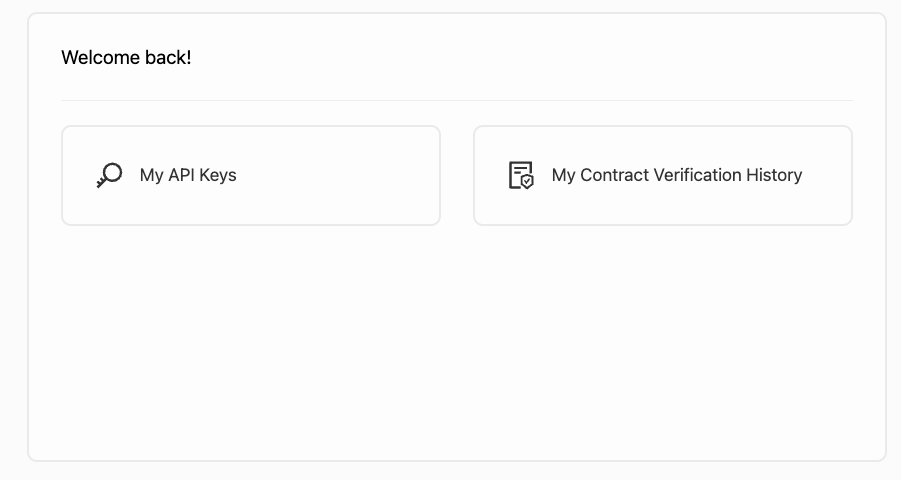
Upon signing in, you will have access to your account dashboard where you can make full use of Cronos explorer's features such as viewing API keys and viewing submitted contract verification status.
### 4. Getting an Default API Key
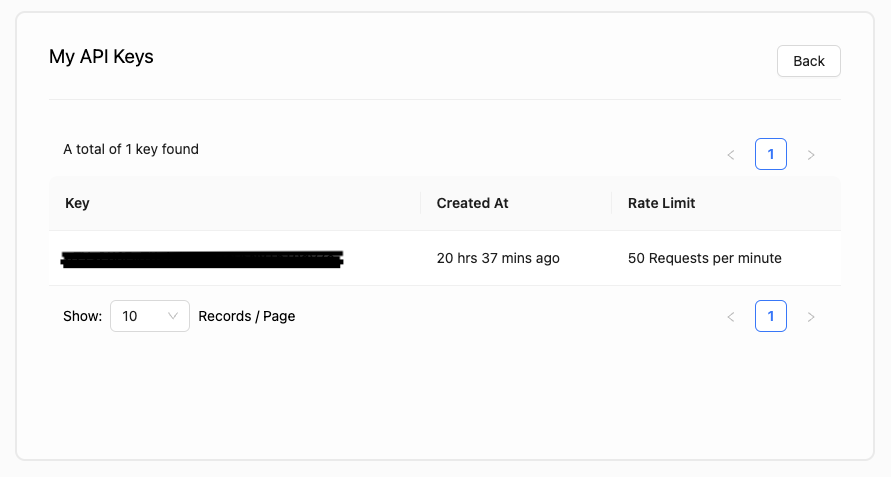
From your Account Dashboard, click on label **My API Keys**. From there, you may view your API Keys. By Default, each Cronos Explorer account will assign a default API Key on registration completed.
### 5. Using APIs
Once you have obtained your API key, you can fetch data from the provided endpoints.
*Example:*
```
curl --request GET 'https://explorer-api.cronos.org/mainnet/api/v1/{module}/{action}?apikey={your_apikey}
```
### API Documentation
Please visit for API documentation.